Capabilities · Channels
Channels — live human↔agent comms
Channels turn the async file-watch loop into a live conversation: you can push a comment, reply in a thread, approve a tool call, or change a task's status and have the agent react — instead of waiting for its next turn.
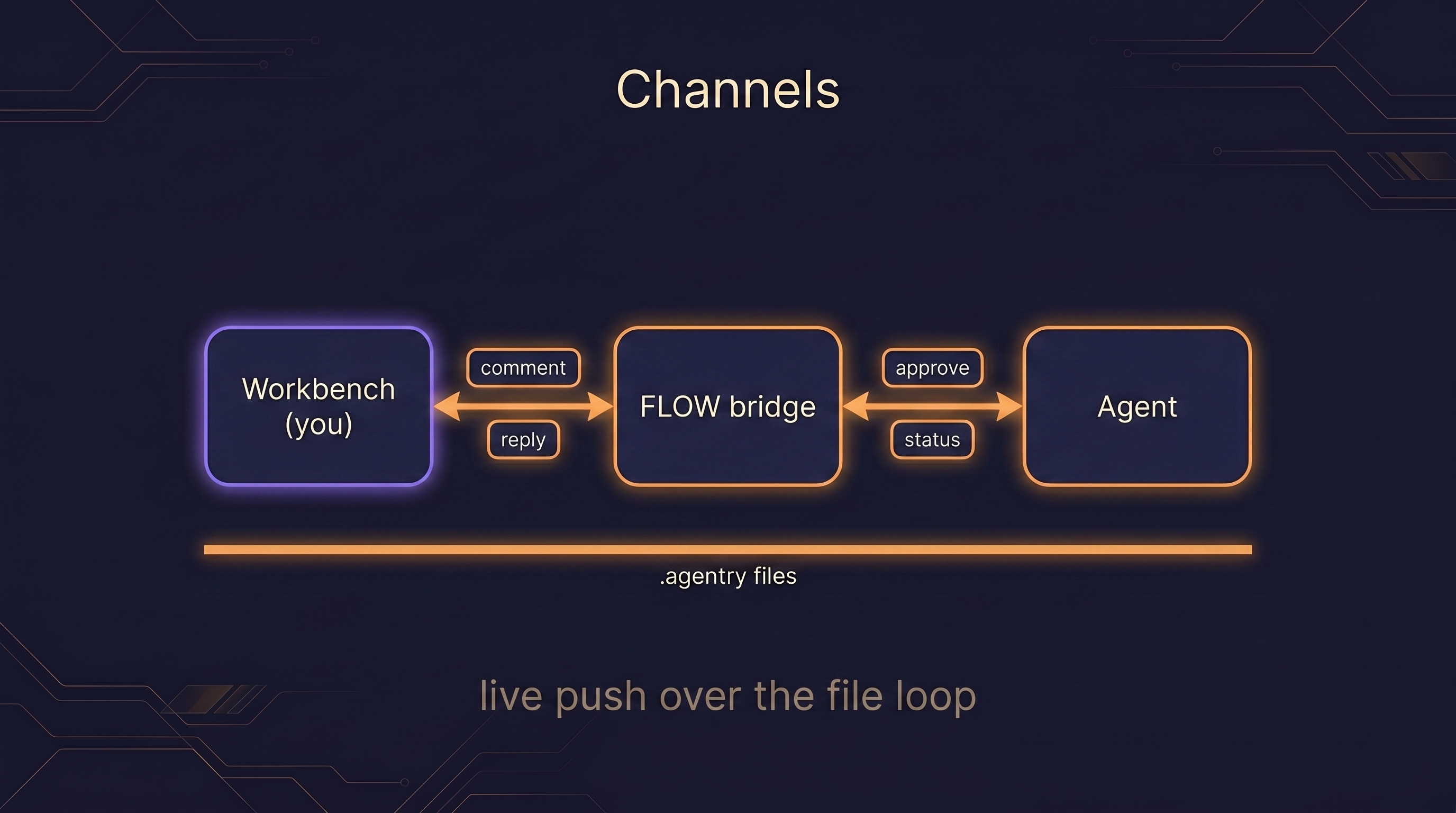
Channels are live human↔agent push over the file-watch loop. Where the loop on its own delivers your edits on the agent's next turn, channels add a live signal. Four kinds:
- Comments — leave a note on a run's artifact and have it reach the agent.
- Threaded
channel_reply— reply in-thread so a back-and-forth stays attached to its context. - A permission relay — approve tool-use from the Workbench, instead of only at the terminal.
- Human status changes that steer — force a task's status and the agent treats it as steering and adjusts what it does next.
Channels are an additive layer and a research preview. How you launch one
depends on whether it's on Anthropic's approved allowlist. An official channel
(Telegram, Discord, iMessage) is enabled with --channels:
claude --channels plugin:telegram@claude-plugins-officialAgentry's own channel bridge is a custom, research-preview channel — not yet on the allowlist — so it needs the development flag, which bypasses the allowlist for that one entry after a confirmation prompt:
claude --dangerously-load-development-channels plugin:agentry@agentry-devEither way, this is purely additive: without any channel flag, everything still works via the async file-watch loop — the files are truth, the agent reads your edits on its next turn, and approvals fall back to the terminal. See Install for the full launch walkthrough and Permissions for how the relay approves a tool call.