Capabilities · Workbench
Workbench — the Agent Center
The Workbench is a local web view onto a run — a place to read the work, edit and comment on it, approve steps, and watch the agent graph move in real time. It is additive: nothing about a run depends on it being open.
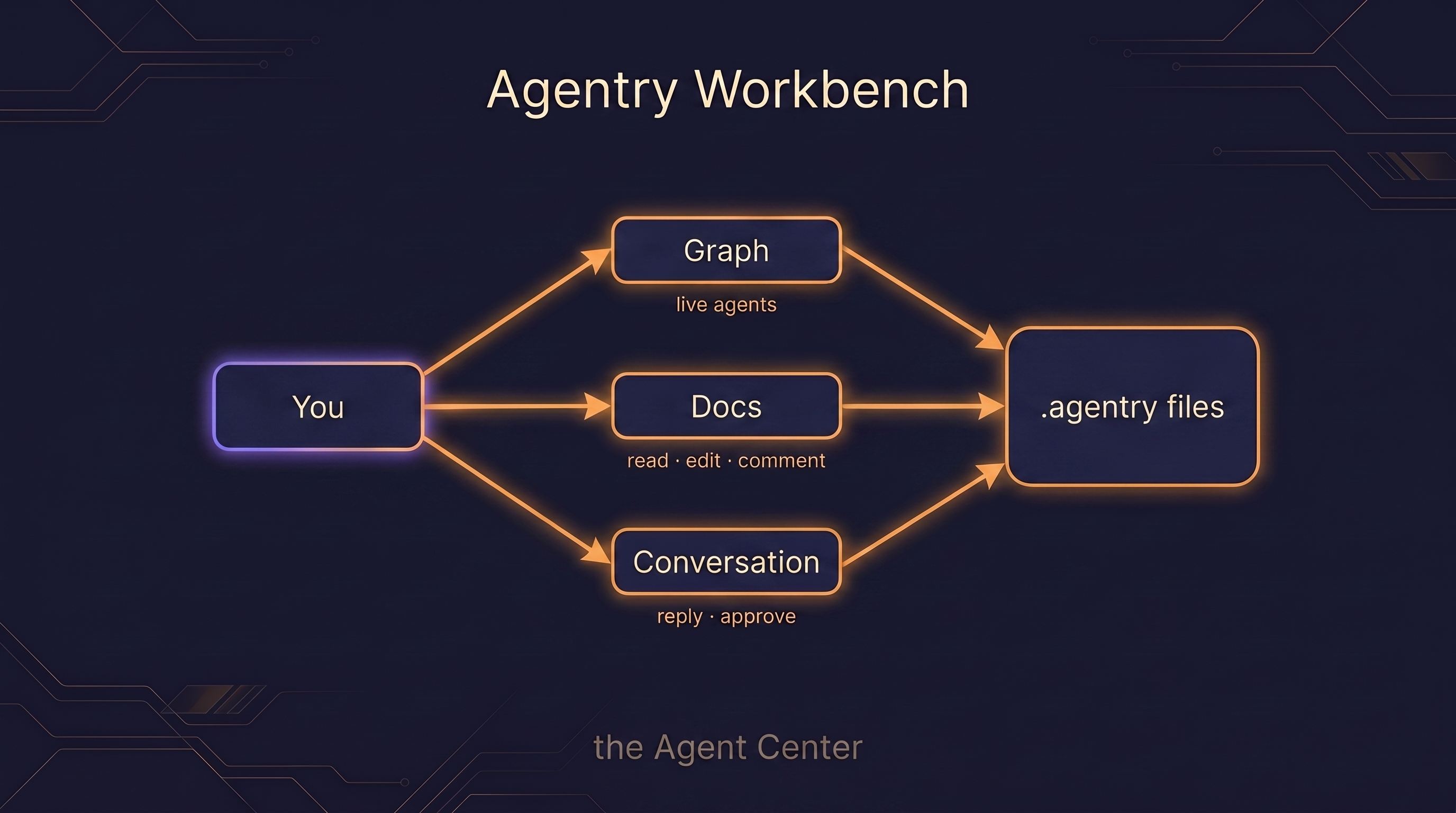
The Workbench is a per-project local Agent Center on :4317, served
with *.localhost host-routing so each project gets its own
address on the one local server. From it you can read, edit, comment, and approve
the run's artifacts, and watch and steer a live graph of the agents as they work.
It is an additive layer, not a dependency: the terminal works without it. Run the same task entirely from the command line and nothing is lost — the Workbench adds a way to see and steer the run, not a way to make it possible.
What it looks like
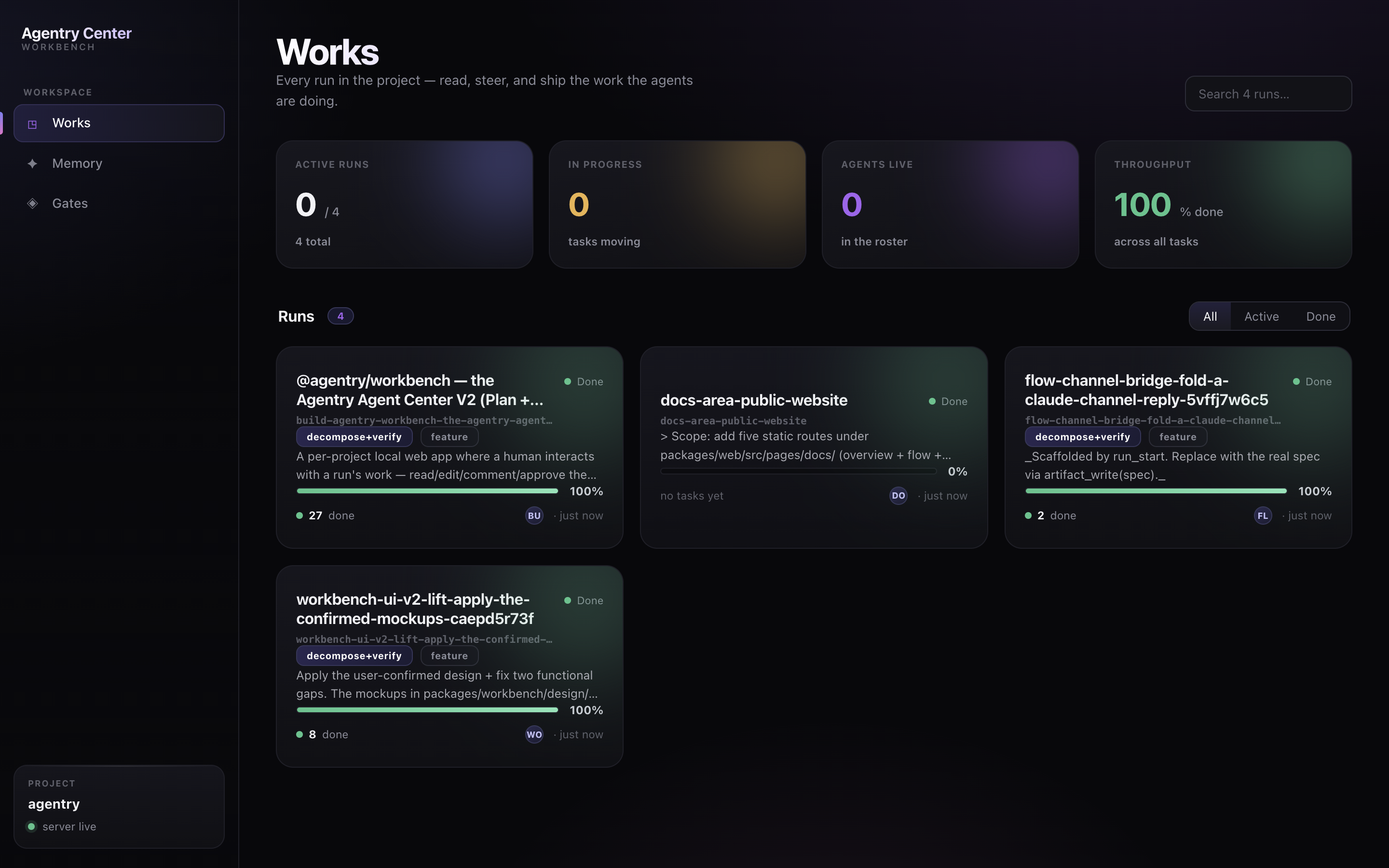
The Works home lists every run in the project with its status, shape, and progress — the front door to everything the agents are doing:
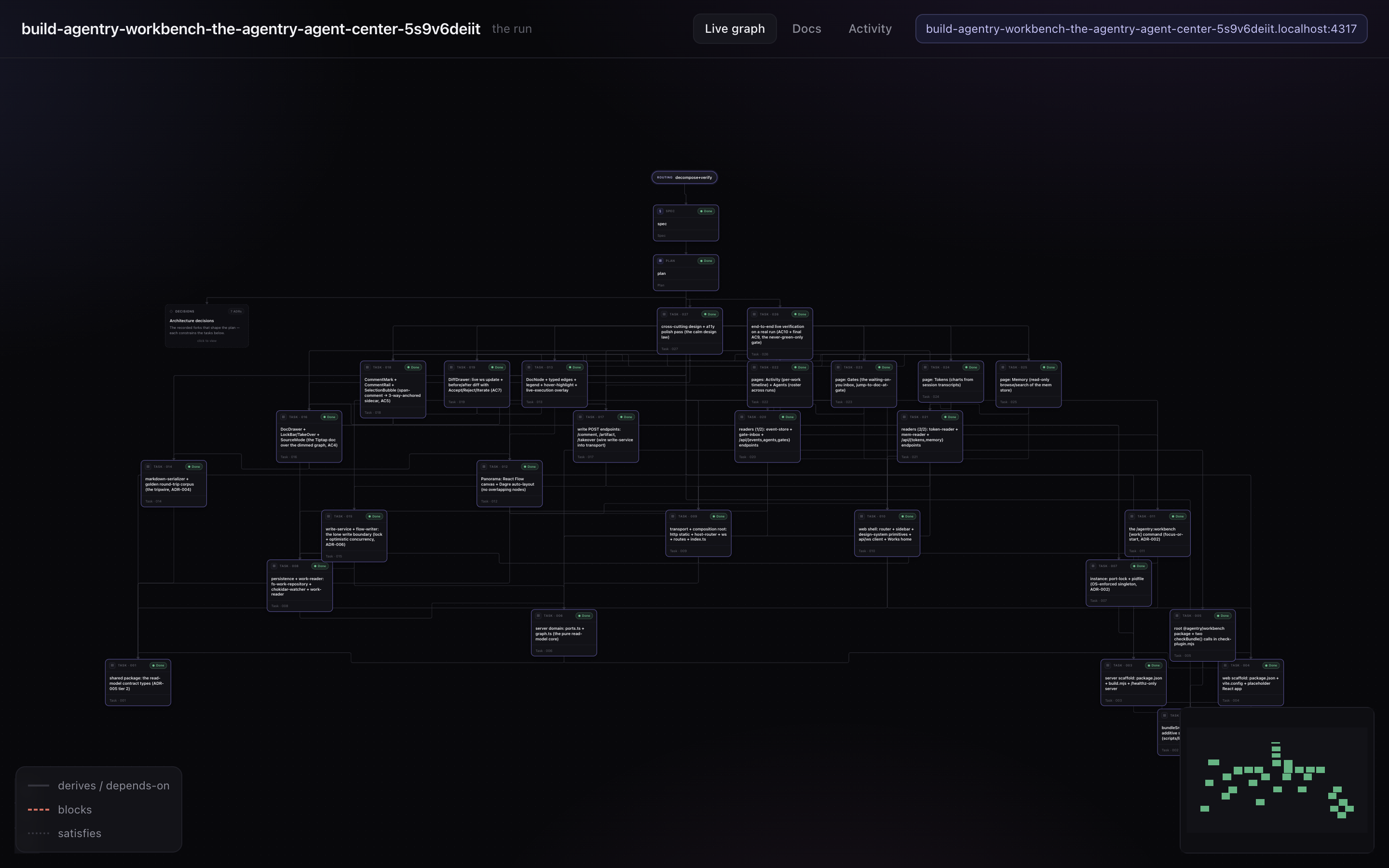
Open a run and the Live graph renders it as the task DAG — routing → spec → plan → the bounded tasks — with typed edges and live execution overlay, so you can watch the work move:
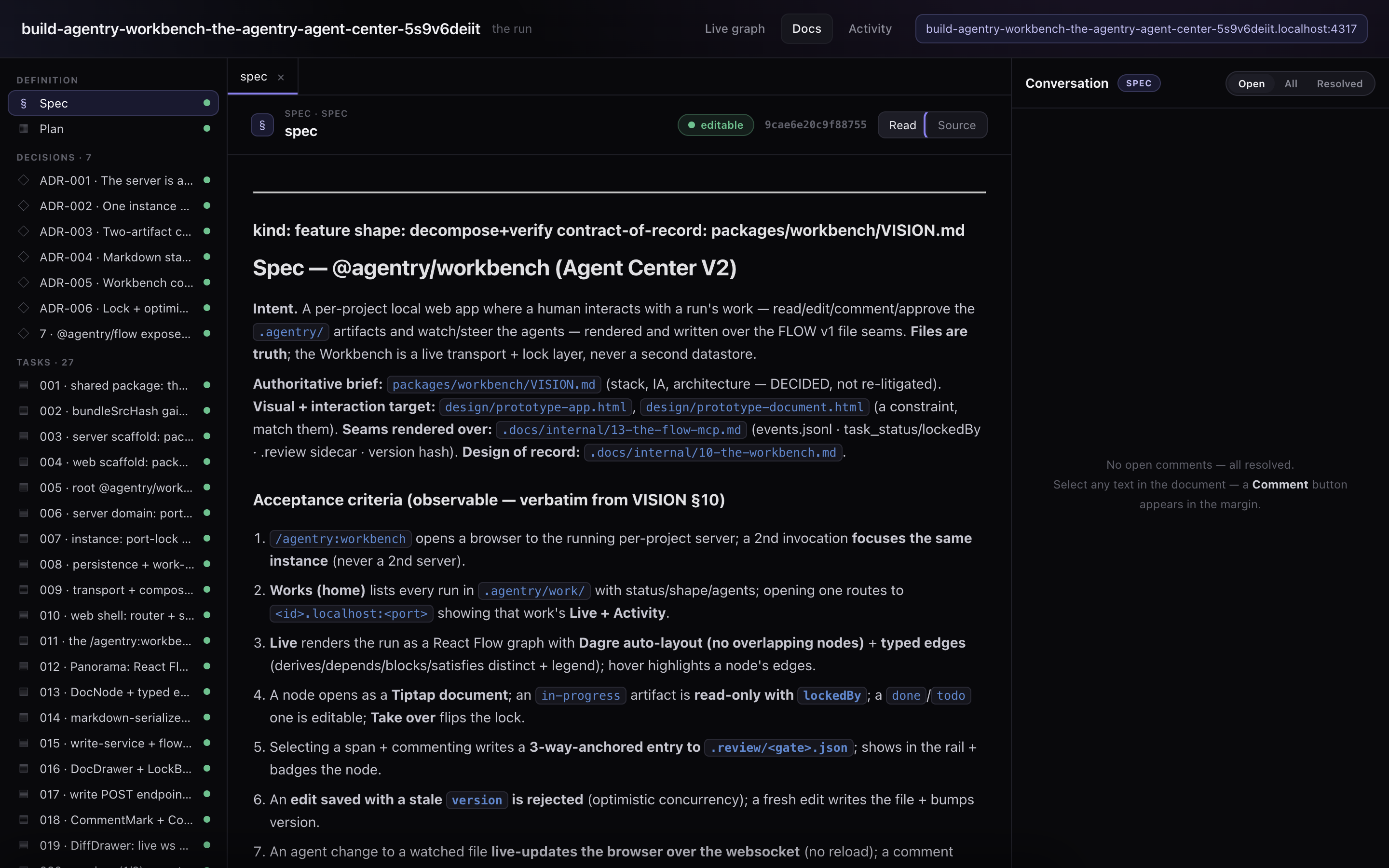
Click any node and its artifact opens as a document you can read, edit, and comment on — the spec, the plan, an ADR, a task — with the agent conversation in a side rail: